
Keep every vehicle update connected to execution.
Track fleet movement, driver status, vehicle placement, trip progress, delays, and field updates without depending on scattered calls.
What Keeps Fleet Updates Reliable
Vehicle Assignment
Confirm the vehicle number, driver details, transporter name, vehicle type, and planned reporting time before the trip begins.
The vehicle is assigned. The real-time picture is missing.
Placement status is unclear
Teams may know which vehicle was planned, but not whether it has reached the loading point, is waiting, or is still on the way.
Driver updates stay informal
Location, waiting reason, loading status, route delay, or delivery confirmation may remain inside phone calls and chats.
Breakdowns are reported late
Vehicle issues, route delays, driver unavailability, or unexpected stoppages may become visible only after the shipment is affected.
Multiple trips become hard to monitor
When several vehicles are moving at once, teams struggle to identify which trips are on time and which need attention.
Ground proof is disconnected
Vehicle photos, loading remarks, driver confirmations, PODs, and delay reasons may not stay linked to the trip.
Fleet movement is where execution becomes real.
A shipment plan only works when the right vehicle reaches the right place at the right time. Fleet Updates help teams stay close to ground movement — from vehicle assignment and pickup arrival to loading, transit, delivery, and return.
Vehicle delays affect everything
A late vehicle can disturb loading slots, inspection timing, customer commitments, port cut-offs, and document readiness.
Driver updates need structure
Driver calls and WhatsApp messages may provide information, but they do not always create a reliable execution record.
Fleet visibility supports faster action
When teams know which vehicle is placed, delayed, loaded, moving, or waiting, they can respond before the delay spreads.
Bring fleet movement into the execution workspace.
CargoClave helps teams manage vehicle updates, driver communication, trip milestones, and delay visibility from one connected flow.
Fleet Movement View
Track assigned vehicles, active trips, waiting vehicles, delayed movements, and completed deliveries in one operational view.
Driver & Vehicle Details
Keep vehicle number, driver contact, transporter, capacity, and trip assignment connected to the shipment.
Trip Status Updates
Capture field status as the vehicle moves through placement, loading, dispatch, transit, delivery, and proof collection.
Delay Capture
Record delay reasons with remarks, timestamps, and ownership so teams can act faster and review issues later.
Field Proof Collection
Attach vehicle photos, loading proof, delivery confirmation, POD, and driver updates directly to the trip.
Fleet History
Maintain a complete movement trail for each trip, helping teams review performance, delays, and service quality.
Fleet updates lose value when they stay outside the workflow.
Planned vehicles change without visibility
A replacement vehicle may be arranged quickly, but internal teams may continue tracking the original vehicle.
Waiting time is not explained
Vehicles may be at site for hours, but the reason for waiting is not captured clearly enough for cost or customer review.
Driver status is not shared widely
Operations may know the driver update, but customer service, documentation, or management may still be waiting for the same answer.
Trip progress is updated after the fact
Milestones are often marked later, making it difficult to respond while the movement is still active.
Cost impact is difficult to prove
Detention, waiting, extra distance, or delay claims become harder to justify without a clean fleet update trail.
Better fleet visibility.
Stronger ground execution.





Related Insights & Resources
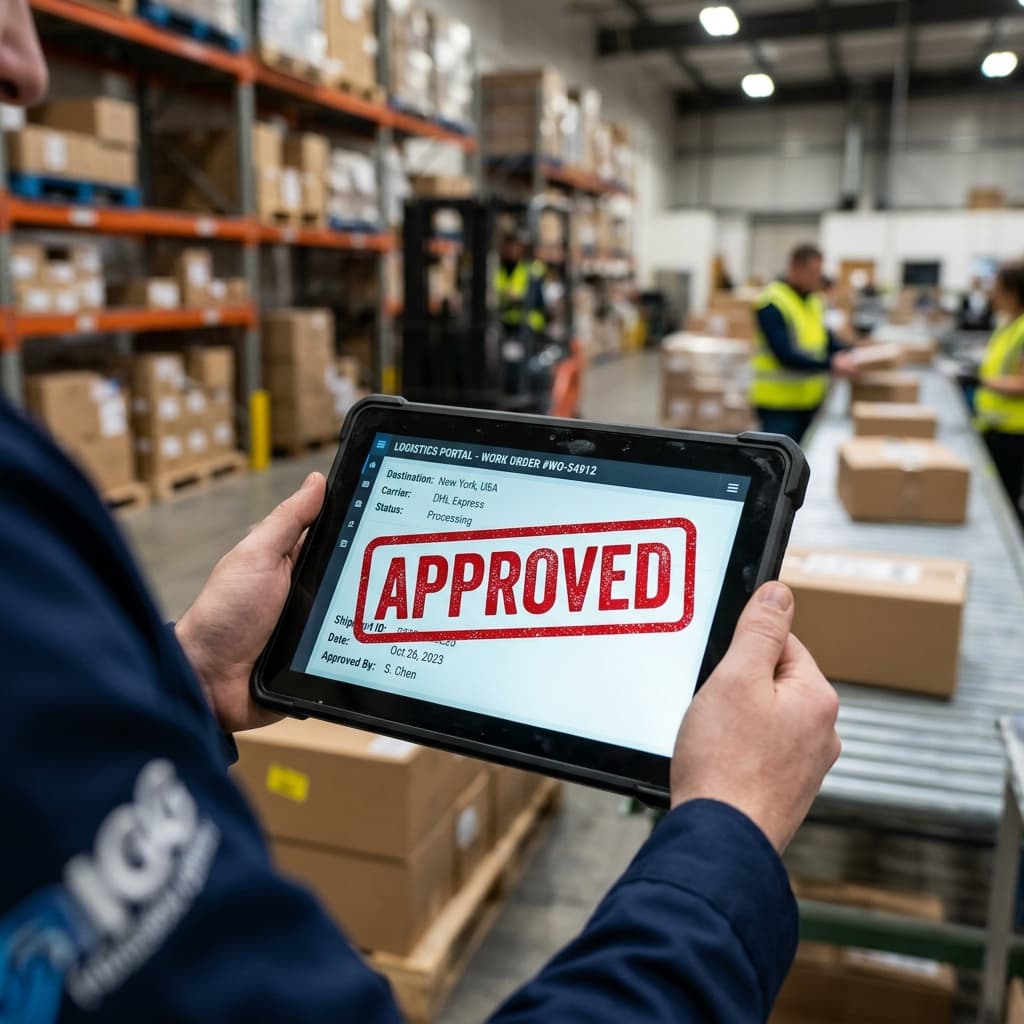
What Are Fleet Updates in Logistics Execution?

Fleet Updates Checklist for Logistics and Operations Teams

How Fleet Updates Gaps Create Shipment Delays, Proof Gaps, and Customer Escalations

Best Practices for Stronger Fleet Updates Control
Bring one active fleet movement.
See how CargoClave keeps vehicle updates connected to execution.
Map vehicle assignment, driver updates, trip milestones, delay reasons, field proof, and delivery confirmation in one connected workspace.