
Trade Document Repository Software
Built for the Cross-Border Shipment File Room
Trade Document Repository Software provides one secure, searchable home for every trade document. Connect your document hub, shipment records, smart search, and full audit trail — because documents that cannot be found or controlled create the same operational risk as those never prepared.
What Happens When Trade Documents Live Everywhere Except One Place
The Document Exists. Nobody Can Find It.
With documents scattered across downloads, inboxes, and shared drives, retrieving a crucial file isn't a simple click—it's a frantic search across multiple disconnected systems.
The Shipment Happened. The Record Did Not.
When disputes arrive months later, the only record is often a WhatsApp chat. Documents may exist somewhere, but the structured history connecting them—what happened, when, and by whom—is completely missing.
The File Was Shared. Control Was Not.
Once a file is emailed, visibility vanishes. As documents bounce between teams, version and access control disappear, leaving multiple conflicting drafts circulating at the same time.
The Audit Starts. The Evidence Reconstruction Begins.
Without structured records, audits or escalations force teams to spend days rebuilding document trails from emails and chat exports. Every simple review turns into a prolonged, manual investigation.
UNDERSTANDING THE MODULE
What Is Trade Document Management Software?
Trade document management software is the central repository layer that keeps every document generated across a cross-border shipment — commercial records, shipping files, customs references, BL copies, certificates, inspection proof, payment evidence, and approvals — stored, connected, searchable, shareable, and governed in one controlled workspace that every authorised team can access and trust.
It is distinct from generic document management systems that store files without connecting them to trade execution records, and from shared drives that organise files without controlling access, versions, or audit activity. CargoClave's Document Repository module is built for the specific document reality of cross-border trade: a central hub where every document is linked to its shipment and business record, searchable by the BL numbers, container numbers, invoice references, and customer names that trade teams already use, shareable through controlled links rather than uncontrolled email attachments, protected by full version history that shows every revision and who made it, and governed by an audit record that captures every upload, access, approval, sharing action, and replacement — without anyone having to think about it separately.
It is not just a file room. It is the document memory of the trade operation.
WHAT THE MODULE DOES
Export Document Storage Software & Six Repository Layers
Document Hub
One home for every trade document.
Store shipment documents, approvals, certificates, customs records, proofs, and reference files in a central hub with smart categorisation, linked shipment records, role-based access, document status tracking, and structured metadata — so every authorised team can find what they need from one place rather than searching across emails, folders, and shared drives.
Shipment Records
Build a reliable record for every shipment.
Capture shipment identity references — booking number, BL, invoice, container, customs, contract, customer — and connect them to milestones, proof documents, ownership trail, and supporting evidence in one structured shipment record. When a dispute, claim, audit, or customer query arrives months later, the answer is in the shipment record.
Smart Search
Find the right document without chasing the file.
Search using the references trade teams already work with — BL number, invoice number, container number, booking reference, customer name, shipment date — rather than folder paths or file names. Filter by document type, stage, status, and date range. See the latest approved version immediately.
Secure Sharing
Share trade documents without losing control.
Send shipment documents, certificates, BL copies, and proof records through controlled share links rather than email attachments — with recipient-specific permissions, access expiry, version protection, share status tracking, and the ability to revoke access when a document changes. The sharing audit trail shows who received the document.
Version History
Know what changed, when, and by whom.
Track every document revision — uploaded copies, replaced files, correction notes, approval updates, and finalised versions — in a clear version timeline with active-version marking, change reason capture, owner and timestamp recording, previous copy access, and version-level approval context.
Audit Records
Keep every document action traceable.
Capture every document activity — upload, view, download, approval, sharing, replacement, access, and closure — with user identity and timestamp in a review-ready audit record. Access monitoring keeps sensitive trade documents visible to the right people. Approval evidence connects review remarks and confirmations directly to the document.






Audit Trail Document Management Logistics
Centralise Every Document in a Connected Hub
Build a Shipment Record That Connects Everything
Find, Share, and Control With Structure
Answer Any Review Without a Document Search

As documents are created, received, and approved across the trade execution workflow, they enter the Document Hub through structured categorisation, linked to their shipment record, tagged with relevant references, and marked with status. The document exists in one place.

Every document is linked to the Shipment Record it supports — connecting the shipment identity references, the milestone history, the proof documents, and the ownership trail. When a query arrives about a specific shipment, the answer is in the record.
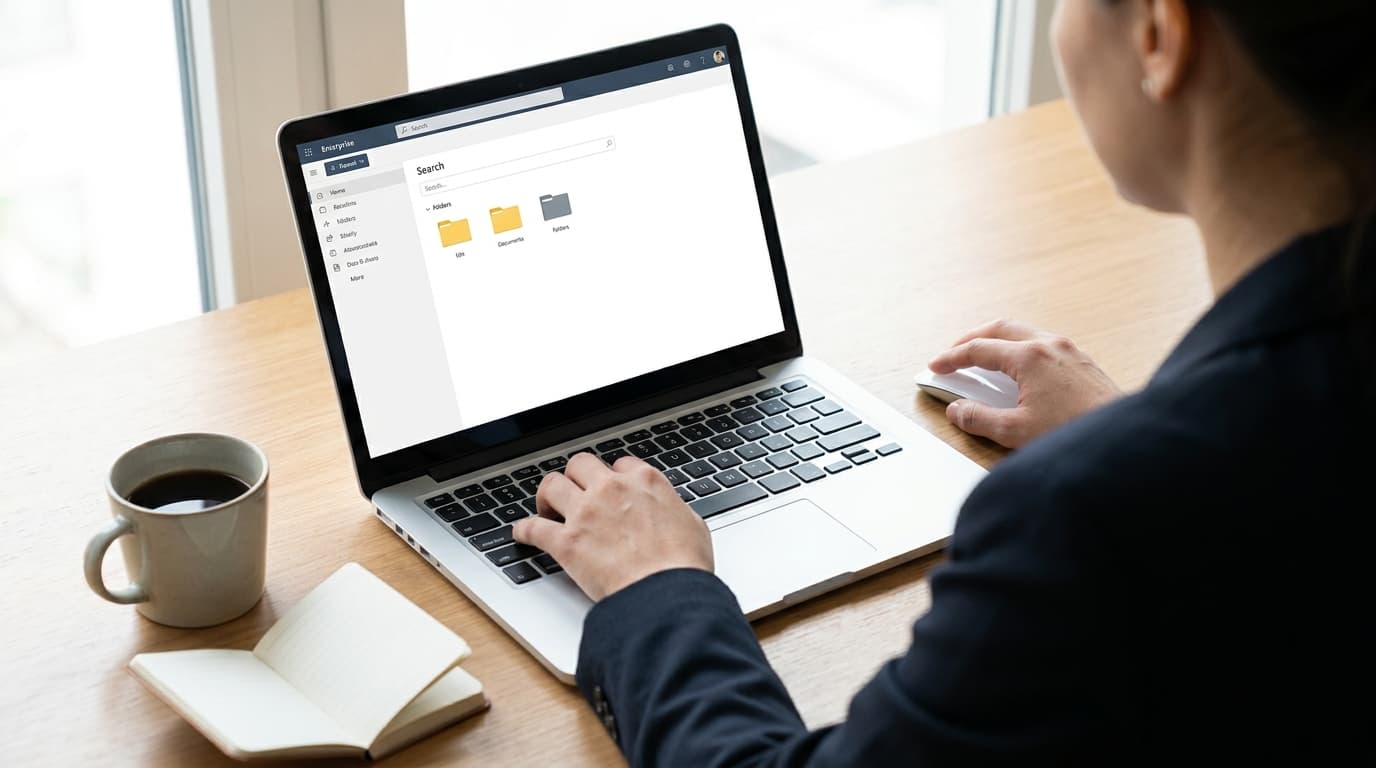
Smart Search lets every team find documents using the business references they already know. Secure Sharing sends documents through controlled links rather than email attachments. Version History shows which copy is current and why every previous version exists.

When an audit, customer escalation, or compliance review arrives, the Audit Records layer already has the complete activity trail — user action logs, access history, approval evidence, and review-ready document history — structured and connected to the shipment record.
Secure Document Sharing for Logistics That Empowers Every Team
Not Just a File Room. A Connected Document Memory.
The difference between a generic document management system and CargoClave's Document Repository is not storage capacity or search speed — it is connection. Every document in CargoClave is connected to the shipment it belongs to, the milestone it supports, the business reference that identifies it, and the approval that cleared it.
| CargoClave | Traditional Approach | |
|---|---|---|
| Document storage | Central hub linked to shipment records, classification, status, and metadata | Scattered across email attachments, shared drives, desktop folders, and department systems |
| Shipment records | Structured record connecting milestones, references, proof, and ownership trail | Rebuilt manually from calls, emails, and personal notes when a query arrives |
| Document search | Business reference search by BL, invoice, container, customer with status filters | Folder browsing or email keyword search, results depend on file naming habits |
| Document sharing | Controlled links with permissions, expiry, version protection, and access tracking | Email attachments forwarded without control, old versions continue circulating |
| Version history | Timeline of every revision with active-version marking, change reasons, and approval context | Multiple files named "final," "revised," "latest signed" with no clear sequence |
| Audit records | Automatic activity log of every upload, access, approval, share, and change | Manual reconstruction from emails and messages when a review or dispute begins |
Frequently Asked Questions
How does Secure Document Sharing for Logistics work in CargoClave?
Can Secure Document Sharing for Logistics track who accessed a file?
Ready to Turn Your Scattered Trade Documents Into a Secure, Searchable File Room?
See how CargoClave's Trade Document Management Software connects every shipment document to a central hub with structured records, smart business-reference search, controlled secure sharing, full version history, and a complete audit trail.
No generic demo. We'll walk through a live shipment document set and show you where each repository layer fits your team's workflow.